
Enabling the Mallow x QBO integration
To set up the QBO integration with Mallow, follow the steps below.
Step 1:
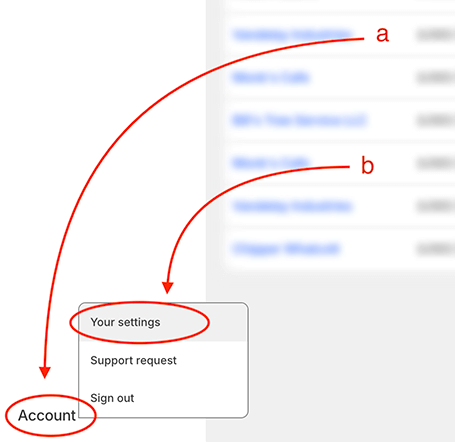
From your Mallow portal, click on the Account tab at the bottom-left corner of the page (a).
Click on "Your settings" from the drop down menu (b).
Step 2:
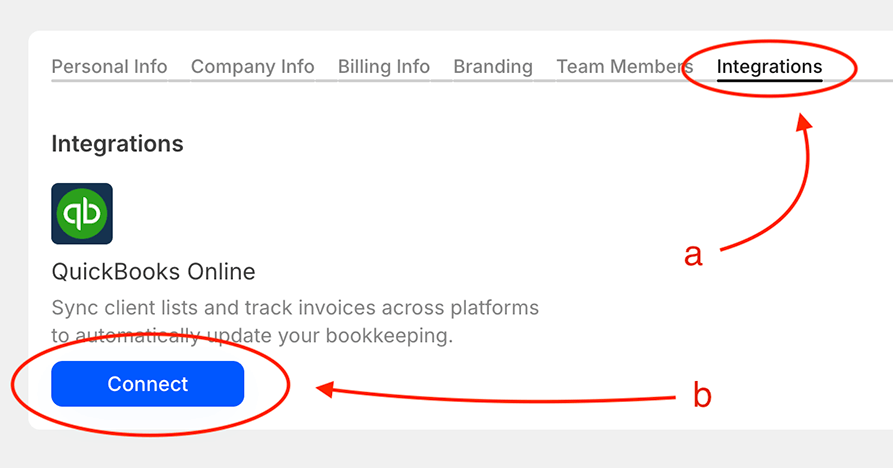
Navigate to Integrations (a).
Select the "Connect" button for QuickBooks Online (b).
Proceed with the on-screen instructions until the integration is complete.
Was this helpful?